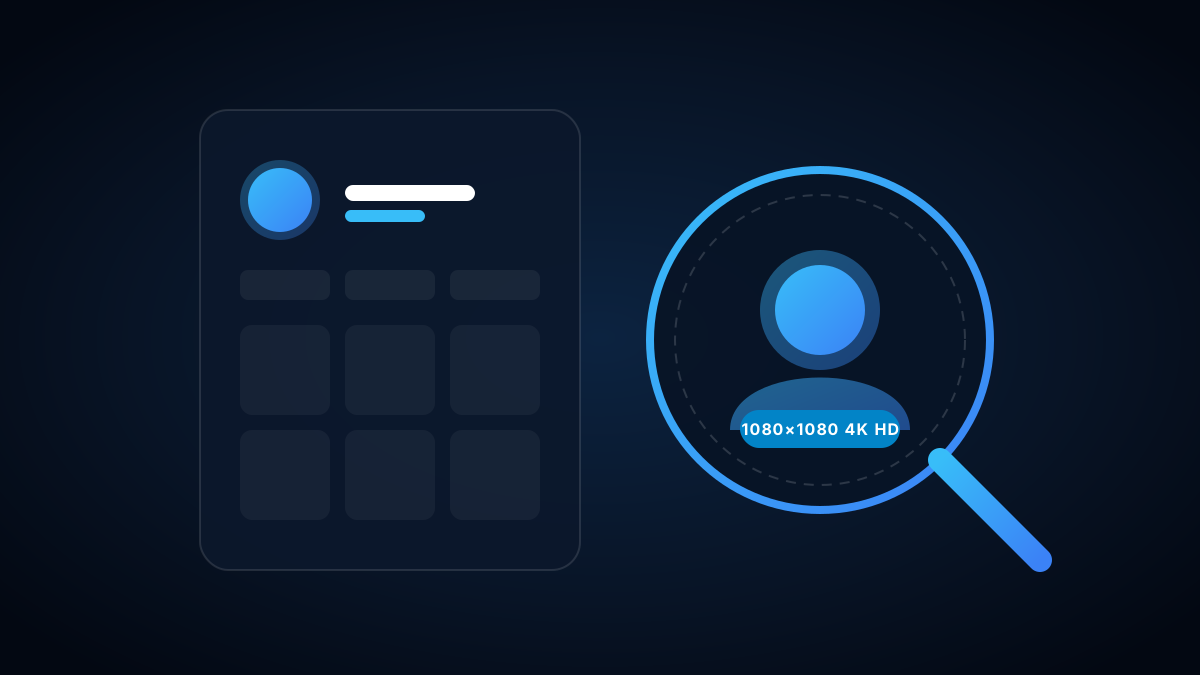
1. Why Instagram Keeps Avatars Tiny
In the official Instagram interface, profile pictures are compressed into tiny 150x150 circular badges. Tapping on them rarely enlarges the image, making it virtually impossible to recognize faces, read small text on business logos, or verify unfamiliar followers.
2. Public vs. Private Accounts: The Avatar Rule
Many users assume that switching an account to "Private" hides their profile picture from strangers. In reality, under Meta's platform architecture:
| Account Element | Public Profile | Private Profile |
|---|---|---|
| Profile Picture (DP) | 100% Public (Full HD) | 100% Public (Full HD) |
| Bio & Full Name | 100% Public | 100% Public |
| Feed Posts & Stories | Publicly Viewable | Locked to Approved Followers |
3. How to Zoom & Download Any Avatar in HD
Inspect the 1080x1080 Source
Our proxy retrieves the uncompressed square image file directly from Meta's edge servers.
Download with 1 Click
Click "Download HD Photo" to save the high-resolution JPEG directly to your camera roll.
4. Spotting Catfish & Impersonator Accounts
Full HD profile zoom is an essential tool for digital safety. Fake accounts and impersonators frequently screenshot photos of influencers or models and crop them into avatars. Zooming in reveals low-resolution pixelation, watermarks, or obvious cropping artifacts, helping you spot bot accounts before interacting.