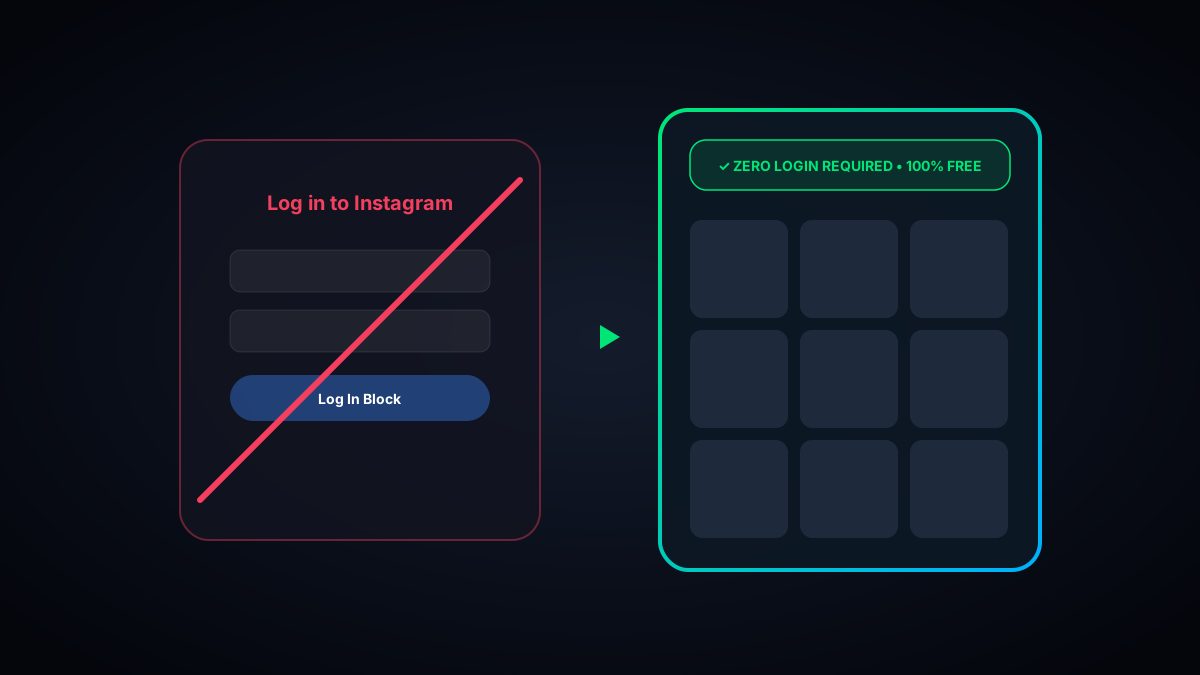
The 30-Second Quick Answer: When you open an Instagram link on your browser, Instagram freezes your screen after 3 scrolls with a modal saying: "Log in to continue". You can bypass this restriction entirely by entering the handle into WhoIG Feed Posts Viewer to browse full feeds, 10-photo carousels, and captions freely.
1. Why Instagram Imposes a Forced Login Wall
Years ago, anyone could open a web browser and scroll through public Instagram accounts without restriction. However, Meta instituted aggressive login walls to:
- Force Account Creation: Converting casual search engine visitors into registered users boosts monthly active user (MAU) metrics for shareholders.
- Inject Tracking Pixels: Unregistered web visitors cannot be tracked across the web as effectively as logged-in users with persistent cookies.
2. Workarounds Compared: Bypassing the Login Wall
| Workaround | Ease of Use | Features | Effectiveness |
|---|---|---|---|
| WhoIG Feed Posts Viewer | Instant (Zero login) | Full 12+ post grid, carousels, captions, downloads | 100% Reliable |
| Developer Tools (Inspect Element) | Complex (Requires coding skills) | Removes popup but page scroll remains disabled | Frustrating |
| Google Cache | Clunky | Often broken or outdated images | Unreliable |
3. How to Browse Feeds Freely on WhoIG
Using WhoIG Anonymous Feed Viewer, you simply input any public username. In seconds, you receive:
- Infinite Grid Pagination: Tap "Load Next 12 Posts" to browse older content without artificial cutoffs.
- Full Carousel Slides: Swipe or click through multi-image album carousels in full 1080p resolution.
- Complete Captions: Read hashtags, tagged accounts, and exact posting dates.
- 1-Click Original Downloads: Save any photo or video slide directly to your local storage.