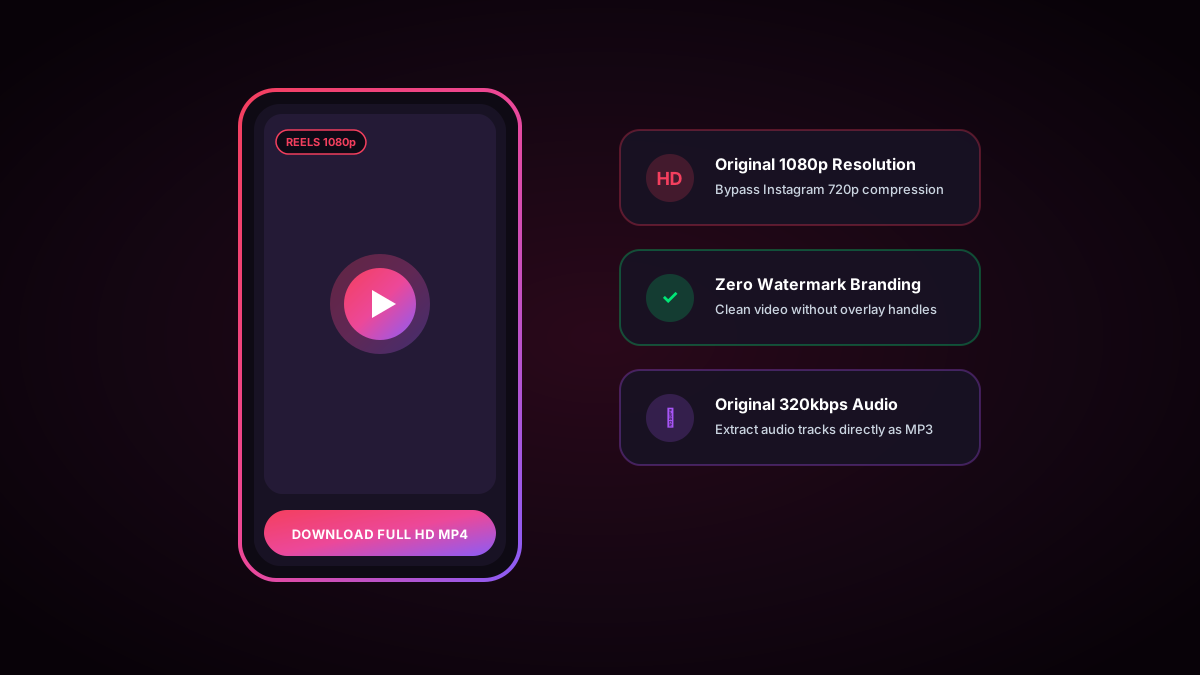
The 30-Second Quick Answer: When you download Reels using Instagram's built-in button, it slaps a bouncing username watermark over the video and often mutes copyrighted audio. To save pristine 1080p Reels with crystal-clear audio and zero watermarks, copy the Reel link and paste it into WhoIG Reels Downloader.
1. Why Instagram's Built-In Download Option Disappoints
Instagram allows creators to enable a native "Download" button on Reels. However, the downloaded file suffers from three severe limitations:
- Intrusive Watermarking: A large Instagram logo and username stamp bounces across the bottom corner of your video.
- Silenced Music Tracks: If the Reel utilizes commercial licensed audio, Instagram strips the audio track completely.
- Heavy Resolution Downscaling: Native downloads are frequently compressed to 720p with visible artifacting.
2. Step-by-Step: Downloading Clean 1080p Reels
1
Copy the Reel Link
Open Instagram, tap the Share icon (paper airplane) on the Reel, and tap Copy Link.
3
Save High-Res MP4
Click "Download High-Res MP4". The clean, unwatermarked video will download to your device with full original audio.
3. Video Formats and Bitrates Explained
Instagram servers store multiple renditions of every video. When you stream inside the app, the video quality adjusts dynamically based on your cell reception. WhoIG bypasses adaptive bitrate downsampling, fetching the highest-tier 1080x1920 MP4 file at original framerates (up to 60fps).
4. Fair Use & Creator Copyright Etiquette
While downloading public Reels for personal offline viewing or research is lawful, always respect original creator rights:
- Never re-upload someone else's Reel to TikTok, YouTube Shorts, or Instagram without explicit creator credit.
- Do not monetize downloaded third-party video content without licensing permission.